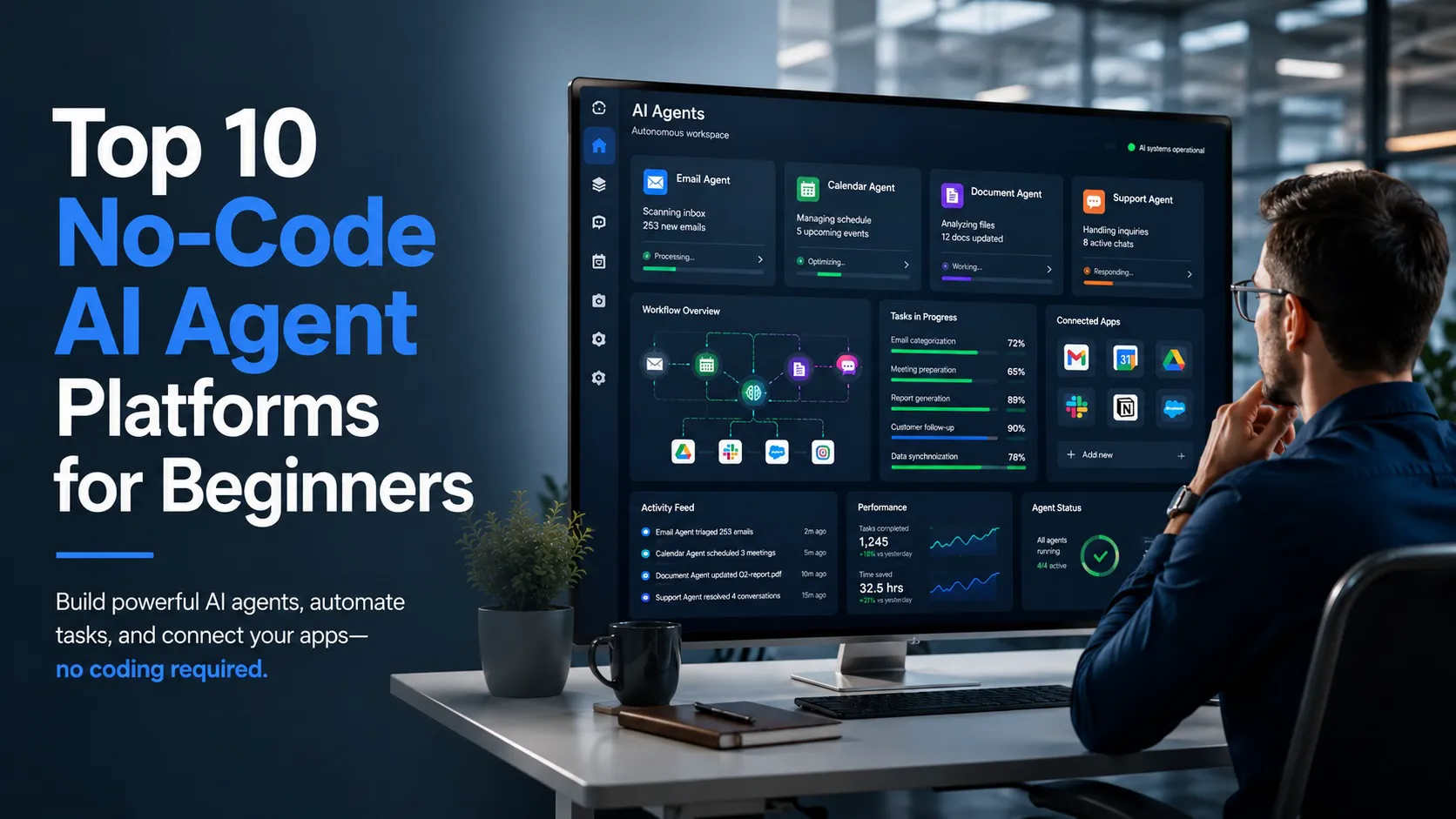
A No-code AI agent platform lets beginners create AI assistants that can answer questions, follow instructions, use files, connect to apps, or complete repeatable tasks without software development. The best options depend on the job: some are better for personal work, while others are built for business workflows, customer support, or workplace data.
Why the No-code AI agent Market Is Moving Now
The timing matters because AI is moving from chatbot-style exchanges toward agents that can take action.
Microsoft’s Scout is the clearest recent example. Microsoft describes Scout as its first “Autopilot,” a category of always-on agents that can work autonomously, act on a user’s behalf, and stay active in the background.¹
Scout is not a No-code AI agent builder for beginners. It is important because it shows where the industry is going. The next stage of AI is less about asking one question at a time and more about assigning work to systems that understand context, permissions, and connected apps.
That shift is why beginner-friendly agent builders are getting more attention now.
How These No-code AI agent Platforms Were Selected
The platforms below were chosen based on four factors: beginner accessibility, no-code setup, clear first-use cases, and reach across apps, documents, or communication channels.
“Reach” does not mean public user numbers. It means the platform can be useful beyond a single chat window. For example, Zapier’s 2026 AI agent builder guide evaluates tools by agent behavior, integration depth, controls, and fit for different users.⁶ That logic helps explain why platforms such as Zapier Agents, Lindy, Gumloop, Relay.app, Voiceflow, and Botpress are included.
Top 10 No-code AI agent Platforms for Beginners
1. ChatGPT GPTs
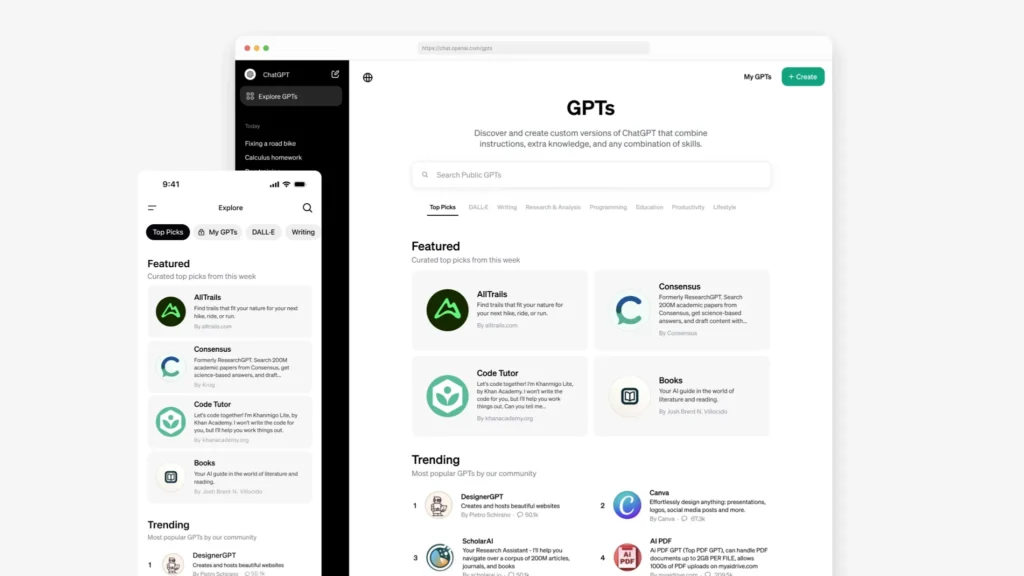
ChatGPT GPTs are one of the easiest starting points for creating a No-code AI agent. OpenAI says users can create and configure GPTs with instructions, knowledge, capabilities, apps, and actions.²
This makes GPTs a strong choice for beginners who want a research assistant, writing assistant, FAQ bot, or internal knowledge tool.
2. Zapier Agents
Zapier Agents belongs on the list because of integration reach. It is useful for people who want AI to work across email, spreadsheets, forms, calendars, CRMs, and other everyday business tools.
For beginners, Zapier is often best when the goal is automation, not just conversation.⁶
3. Lindy
Lindy is included because it focuses on personal admin work, such as inbox review, meeting prep, scheduling, and follow-ups. Zapier’s guide describes it as a fit for personal AI assistance rather than broad business automation.⁶
That narrower focus can help beginners get value faster.
4. Microsoft Copilot Studio
Microsoft Copilot Studio is the strongest fit for organizations already using Microsoft 365. Microsoft describes Copilot Studio as a platform for building and managing agents, connecting them to business data, creating them with natural language, and publishing them across channels.³
It may be more business-oriented than consumer-focused, but it matters for workplaces that need control and governance.
5. Google Gemini Gems
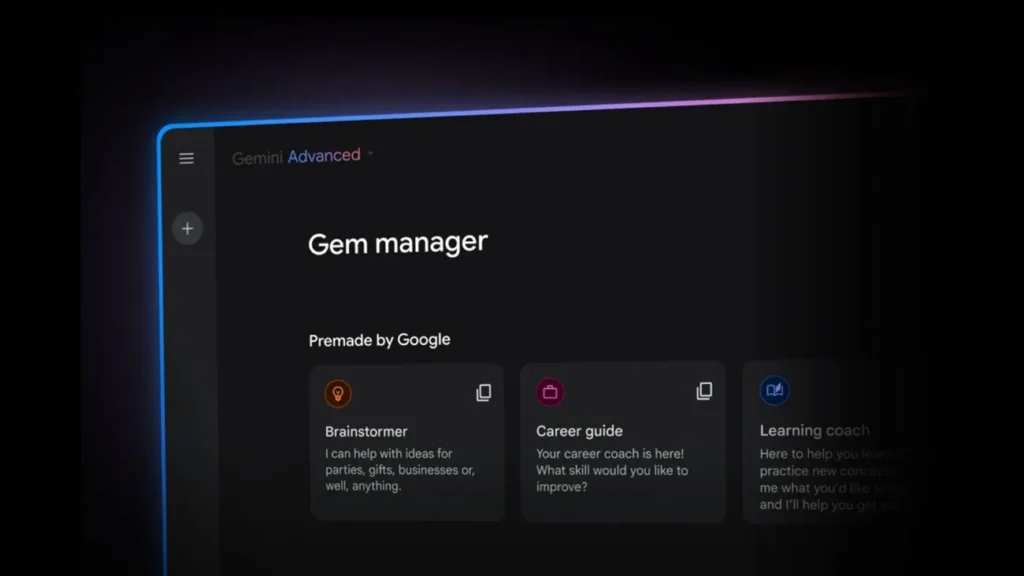
Google Gemini Gems are a good choice for people already working in Gmail, Docs, Drive, Sheets, and Slides. Google says Gems can be used from the side panel of several Workspace apps, including custom and premade Gems.⁴
For Google users, Gems make the No-code AI agent idea feel more familiar because the experience sits inside tools they already use.
6. Claude Projects
Claude Projects are best for document-heavy work. Anthropic says Projects are self-contained workspaces with their own chat histories and knowledge bases.⁵
That makes Claude Projects useful for research, writing, brand guidelines, client files, interview notes, policy documents, and other knowledge-based work.
7. Relay.app
Relay.app is included because it offers an approachable path for small teams testing agent-style workflows. Zapier’s guide points to Relay.app as an option for small teams and notes its ease of use, while also flagging limits around integrations and advanced workflow features.⁶
That balance is important for beginners. It is friendly, but not unlimited.
8. Gumloop
Gumloop is a stronger fit for users who want AI-first workflows with more structure than a custom chatbot. Zapier’s guide describes Gumloop as built for agent-first teams, while also noting that its integration library is more limited than larger automation platforms.⁶
That makes it worth considering for focused workflows rather than every possible app connection.
9. Voiceflow
Voiceflow belongs on the list because not every No-code AI agent is meant for internal productivity. Some are built for customer conversations.
Zapier describes Voiceflow as an easy-to-use platform for building voice and chat agents with templates, multi-model support, and integrations.⁶ It is especially relevant for website chat, support flows, and voice-based customer interactions.
10. Botpress
Botpress rounds out the list because it gives users a visual way to build AI agents for chat and messaging channels. Zapier describes Botpress as a powerful AI agent builder with a visual drag-and-drop studio, built-in data storage, and broad channel support.⁶
It may require more setup than ChatGPT GPTs or Gemini Gems, but it earns a place for users who want more control over conversational agents.
What Beginners Should Watch Out For
A No-code AI agent is only as safe as the permissions behind it.
If an agent can read email, edit files, update records, or send messages, users should understand exactly what it can access. Approval steps matter. So do testing, limited permissions, and clear task boundaries.
The biggest mistake is treating every agent like a harmless chatbot. Once it can act across apps, it becomes part of a workflow.
Final Thought

The rise of the No-code AI agent gives everyday users a new way to delegate repeatable work without becoming developers. ChatGPT GPTs and Gemini Gems are strong first steps. Zapier, Relay.app, Lindy, Gumloop, Voiceflow, and Botpress offer more workflow or channel reach. Copilot Studio and Claude Projects are stronger for workplace data and document-heavy tasks.
Scout shows the direction of travel: AI that does more in the background. The best beginner platforms will be the ones that make that power understandable, controlled, and useful from the start.
Citations
- Shahine, Omar. “Introducing Microsoft Scout: Your Always-On Personal Agent.” Microsoft 365 Blog, Microsoft, 2 June 2026.
- OpenAI. “Creating and Editing GPTs.” OpenAI Help Center, OpenAI, 2026.
- Microsoft. “Microsoft Copilot Studio.” Microsoft, Microsoft, 2026.
- Google. “Gems Are Now Available in the Side Panel of Google Workspace Apps.” Google Workspace Updates, Google, 2 July 2025.
- Anthropic. “What Are Projects?” Claude Help Center, Anthropic, 16 Mar. 2026.
- Foster, Elena Alston. “The Best AI Agent Builder Software in 2026.” Zapier, 13 May 2026.