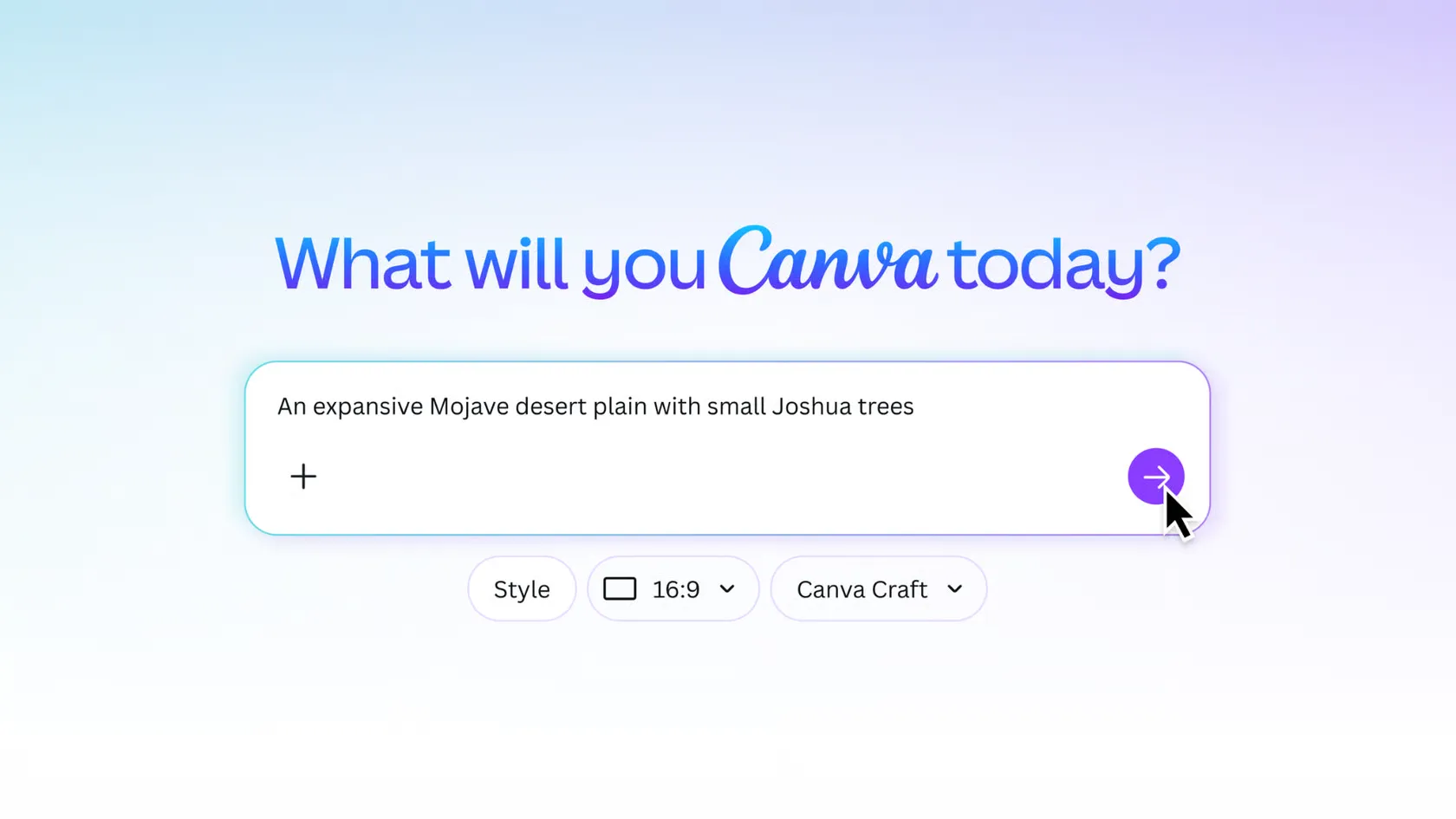
Canva Craft is a new AI image generator that turns written descriptions into images for social media, presentations, and marketing materials. Launched on October 22, 2026, it focuses on creating clear layouts, readable text, and detailed visuals. We can use Canva Craft through Dream Lab without needing advanced design experience.¹
Key Takeaways
- Canva Craft creates AI images from simple written descriptions.
- Images support up to 2K resolution and more than 30 aspect ratios.
- Canva Craft can generate text in 55 languages.
- Images can be refined using Canva’s editing tools.
- Canva Craft is available globally, although usage limits apply.
What Is Canva Craft and How Does It Work?
What makes Canva Craft different from other AI image generators?
Most AI image generators turn written instructions directly into pictures. Canva Craft takes a different approach by planning an image before creating it.
First, Canva Craft determines where objects, text, and backgrounds should appear. Then, it generates the finished image.
This two-step process helps produce more organized designs with clearer text and better object placement.
According to TechCrunch, Canva trained Craft using human-designed templates, including posters, presentations, and social media graphics, rather than focusing mainly on photographs.²
What can we create with Canva Craft?
Canva Craft supports several types of content:
- Social media: Instagram posts, Facebook graphics, and advertisements.
- Business: Flyers, presentations, and promotional materials.
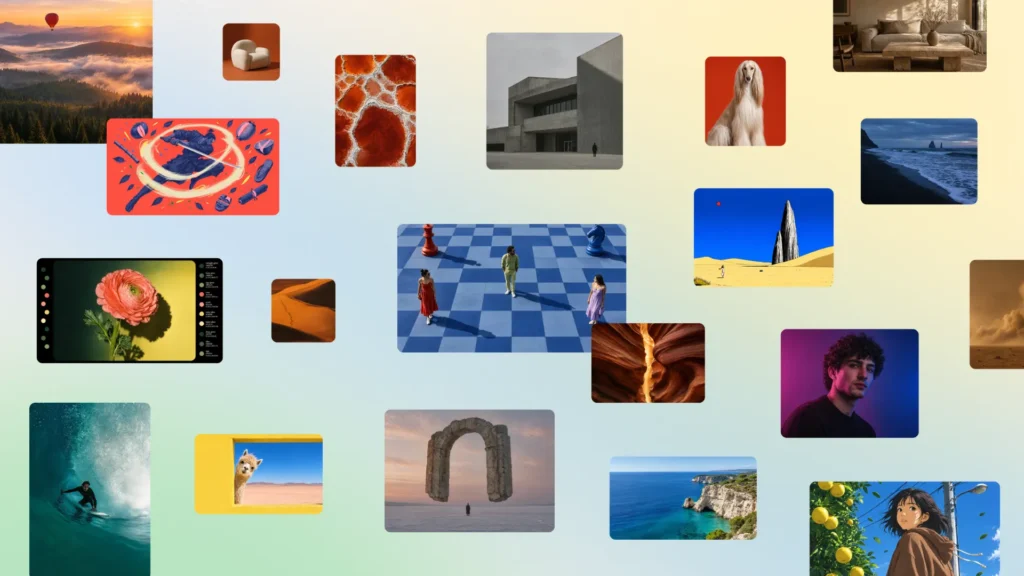
- Creative projects: Illustrations, portraits, and digital artwork.
- Marketing: Product visuals, banners, and campaign concepts.
We can also choose from more than 30 aspect ratios or enter custom dimensions to fit specific projects.
How Do We Use Canva Craft?
How can we create our first Canva Craft image?
Canva Craft is available through Dream Lab, Canva’s AI image creation tool.
Getting started takes only a few steps:
1. Sign in to Canva.
3. Select More from the homepage.
4. Open Dream Lab.
5. Enter a description of the image.
6. Select Generate.
Review the four image options and choose one.
We can also enter additional instructions to adjust the results. Canva’s Help Center confirms that Dream Lab supports follow-up edits and reference images.³
What makes a good Canva Craft prompt?
A prompt is simply a written description of what we want.
For example, instead of writing “coffee shop advertisement,” we could write:
Create a square Instagram graphic for a coffee shop. Include a steaming coffee cup, a cream-colored background, and the headline “Weekend Coffee Special” in dark brown lettering.
The second description gives Canva Craft more direction.
We recommend including the subject, colors, text, and preferred layout.
Can We Edit Images Created With Canva Craft?
Editing is another important feature.
Canva Craft supports targeted changes, such as adjusting background colors or specific details. Its images also work with Canva’s separate layer-editing technology, which can turn supported images into movable design elements.
However, results may vary, and some advanced editing capabilities are still being developed.
The Verge confirms that Canva Craft is designed to support greater control over image composition and editing.⁴
Is Canva Craft Free to Use?
Canva Craft is available to Canva users worldwide through Dream Lab.
However, free access does not mean unlimited image generation. Canva uses monthly AI allowances, and some features require more usage credits than others.
Limits depend on the account and the tools selected. Organizations can also restrict access through administrative settings.
Developers can access Canva Craft through Canva’s public API, allowing businesses to include image generation in their own applications.⁵
How Does Canva Craft Compare With Traditional Design Tools?
The biggest difference is how we begin creating.
| Traditional design tools | Canva Craft |
| Start with templates or blank pages | Start with written descriptions |
| Manually arrange visual elements | AI generates the initial layout |
| Add images and text individually | Generate images containing both |
| Build the design ourselves | Refine an AI-generated starting point |
Traditional design tools still offer greater direct control. Canva Craft provides another option when we need an initial visual without building everything manually.
What Should We Know Before Using Canva Craft?
AI-generated images still need reviewing.
We should check spelling, product details, brand colors, and whether the image accurately represents its subject.
For business use, we should also consider copyright, trademarks, and commercial-use requirements.
Canva Craft can reduce the work involved in creating visuals, but our judgment remains important.
Conclusion: Is Canva Craft Worth Trying?
Canva Craft offers a simple way to create images from written ideas. Its focus on layout, readable text, and flexible editing makes it useful for everyday content creation.
Whether we need social media graphics, presentations, or marketing visuals, Canva Craft gives us another way to get started without advanced design skills.
Citations
- Canva Team. “Introducing Canva Craft.” Canva, 22 Oct. 2026.
- Mehta, Ivan. “Canva Releases Its First Image Generation Model.” TechCrunch, 22 Oct. 2026.
- Canva. “Generate Images with Dream Lab.” Canva Help Center, n.d.
- Roth, Emma. “Canva’s First AI Image Model Plans Designs Before Generating Them.” The Verge, 22 Oct. 2026.
- Liu, Chuang. “Connect API: Canva Craft Is Now Available for Image Generation.” Canva Developers Community, 22 Oct. 2026.