Key Takeaways
- Nano Banana 2 is Google’s latest image model for creating and editing images from text and from existing pictures.
- Google designed Nano Banana 2 to keep strong image quality while returning results more quickly, so we can try variations without losing momentum.
- Nano Banana 2 is rolling out across Google experiences like the Gemini app and Search, and it’s also available through Google’s developer tools.
- Google is pairing image generation with clearer “origin” signals, including SynthID watermarking and broader support for Content Credentials (C2PA).
What Nano Banana 2 Is and What It’s For
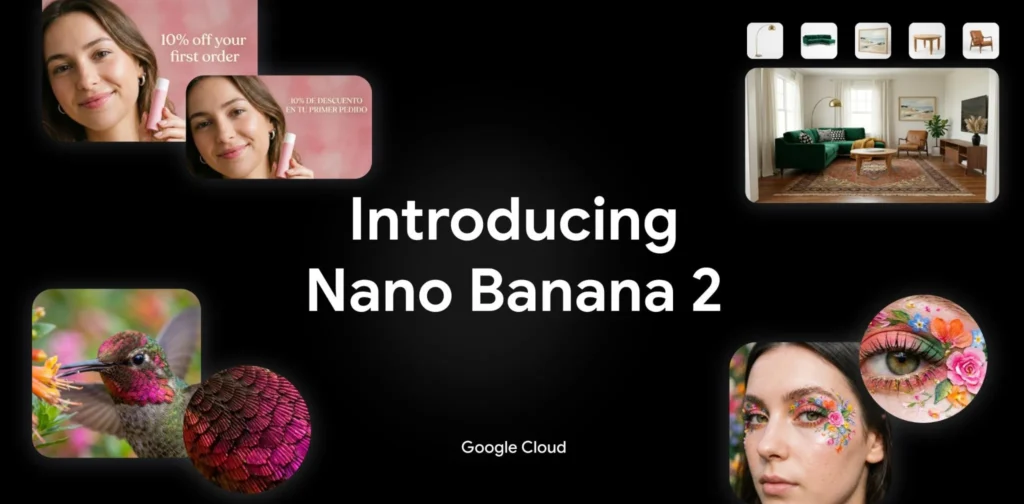
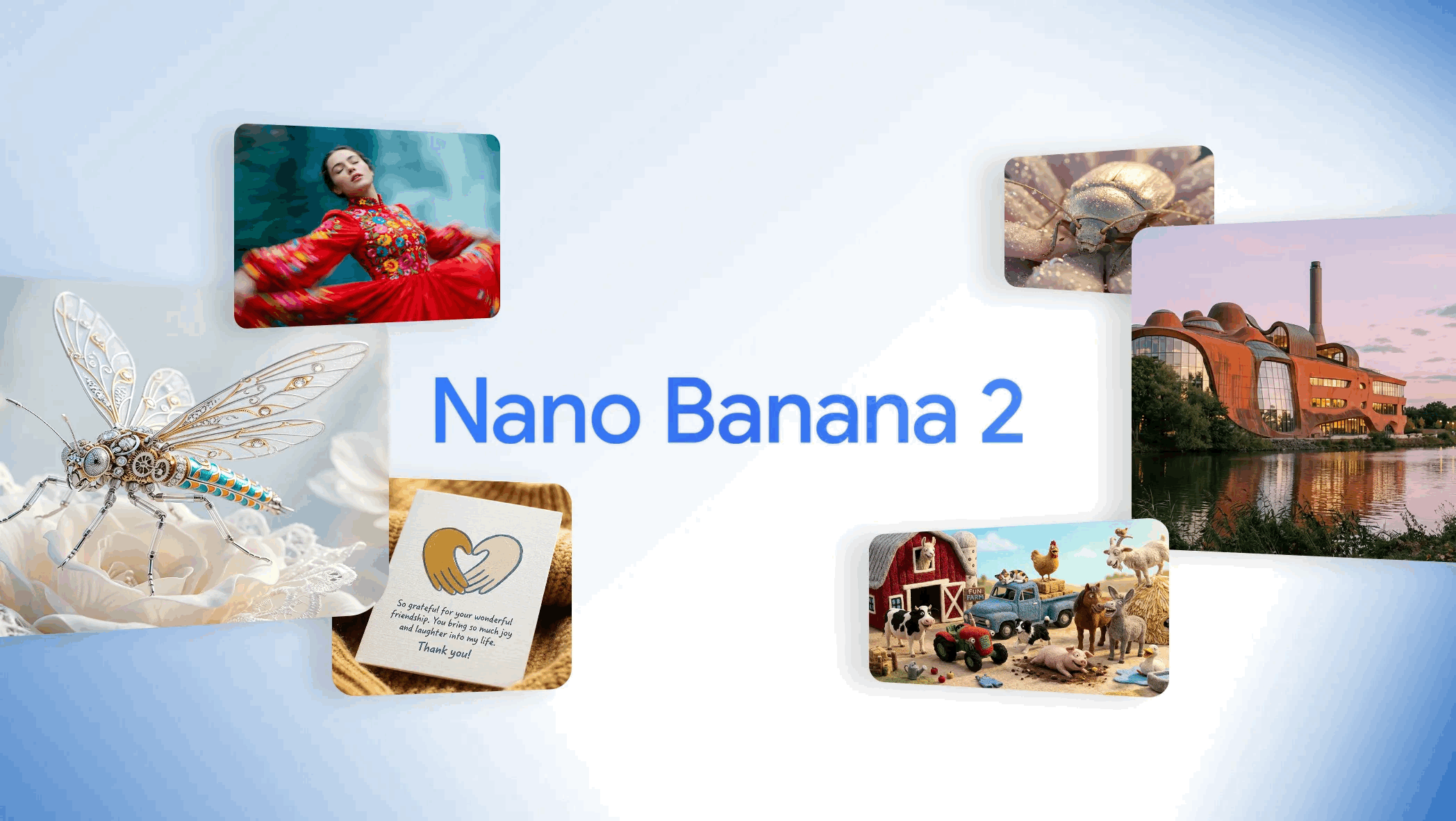
Nano Banana 2 is an image creation and editing model from Google. Google describes it as a step forward that combines high-quality results with faster output, so we can generate an image, adjust it, and iterate quickly.¹ In everyday terms, Nano Banana 2 is meant to help us turn a written request into a usable visual—or take an existing image and make changes—without needing advanced design software.
This matters because many of us create visuals for real reasons: a school project, a flyer, a social post, a slide deck, a small business ad, or a simple illustration for a blog. When the tool is fast, we can test options in minutes rather than getting stuck on one version.
How Nano Banana 2 Works
We do not need to know how the model is built to use Nano Banana 2 well. What we need is a clear idea of what we want the final image to communicate.
In practice, Nano Banana 2 supports two common workflows:
Create an image from a written request
We describe what we want to see—subject, setting, mood, style, and any text we need on the image—and Nano Banana 2 generates a visual based on that request.¹
Edit an existing image
We start with a photo or image we already have, then ask for changes. Google positions Nano Banana 2 as being well suited for fast edits and quick revisions.¹ That could mean adjusting the background, changing colors, refining layout, or updating text.
A useful habit is to keep requests specific, but not overly long. We can start simple, then add details in the next round if needed.
What Google Says Nano Banana 2 Improves
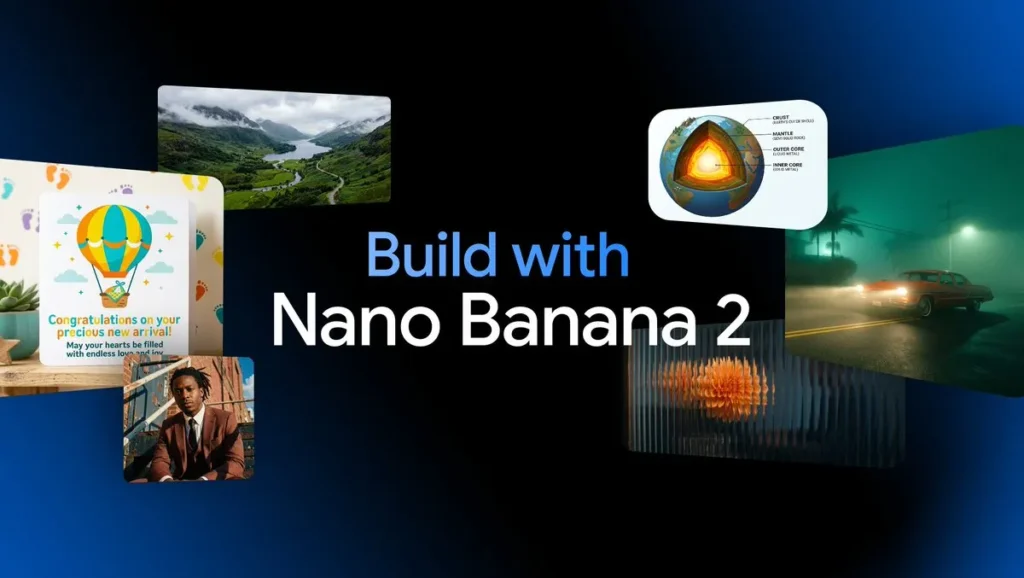
Google’s announcement highlights a few benefits that map to issues people commonly face when creating visuals.
Faster results, so we can iterate
Google emphasizes speed as a core reason Nano Banana 2 exists. The point is not only “make an image,” but “make an image, then refine it quickly.”¹ If we are choosing between three header options or testing different layouts for a poster, that speed can change how we work.
Better handling of text inside images
Google says Nano Banana 2 improves text rendering.¹ That matters because text is often the difference between an image that looks nice and an image we can actually use for a sign, a title card, a thumbnail, or a basic ad.
More control for edits and instruction-following
Google frames Nano Banana 2 as combining the strengths of prior models: higher-quality outputs plus a quicker loop for changes.¹ For most users, that shows up as fewer “near misses” and less time spent trying to correct small details.
Where We Can Access Nano Banana 2
Google’s post notes that Nano Banana 2 is rolling out across several Google products and platforms.¹ The main idea is availability in both consumer tools and developer tools.
- Consumer experiences: Google says Nano Banana 2 is rolling out across products including the Gemini app and Search experiences.
- Developer access: Google also points to availability through Google’s developer ecosystem. Google’s developer documentation for image generation describes the ability to generate images in multiple sizes, including up to 4K when supported by the model and configuration.⁴
We should expect the exact interface to vary depending on where we use it. The core capability—generate and edit images from instructions—remains the same.
Transparency: How Google Wants Us to Identify AI-Made Images
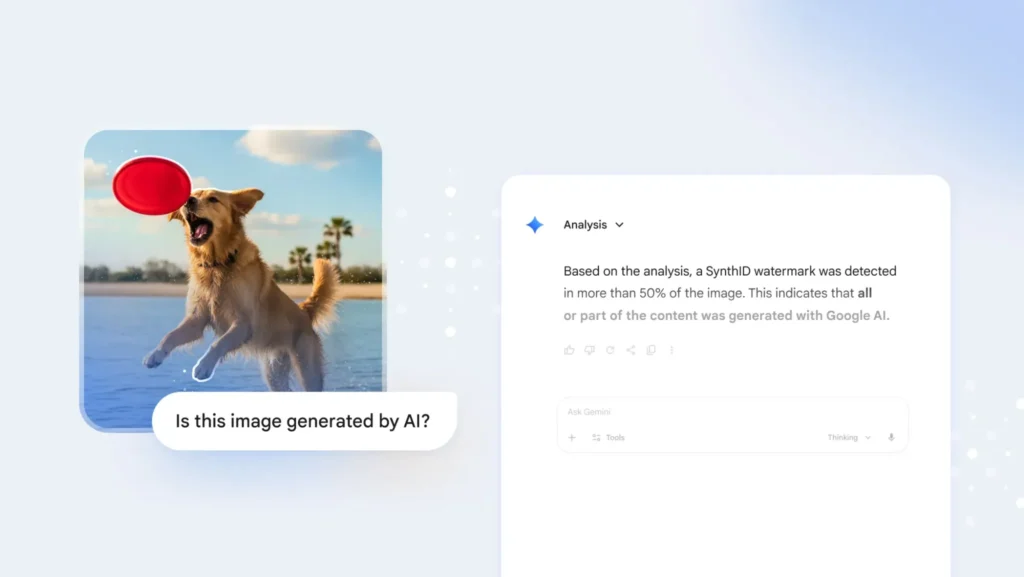
As image creation becomes easier, it also becomes more important to understand where an image came from and whether it was edited. Google has been building tools that add context to generated images.
SynthID watermarking
Google explains that SynthID is a watermarking approach that embeds an imperceptible signal into images made or edited with Google’s tools, and that the Gemini app can help detect whether an image was generated or edited using Google AI.² This is meant to give people more clarity when content is shared and reposted.
Content Credentials (C2PA)
Google also discusses adding broader support for Content Credentials, which are based on the C2PA standard.² The C2PA organization describes Content Credentials as a way to attach provenance information to media so viewers can better understand origin and edits.³
The practical benefit is straightforward: when these signals are present and supported, we get more context about what we are looking at—especially important when an image is presented as news, documentation, or proof.
How We Can Use Nano Banana 2 in Everyday Work
Here are a few grounded ways Nano Banana 2 fits into normal routines:
- School and learning: Create a clean illustration for a report cover, a diagram for a slide, or a visual summary for a presentation.
- Small business needs: Draft a simple promotional graphic, update seasonal messaging, or create variations for different ad sizes.
- Personal projects: Make invitations, greeting images, or simple artwork that matches a theme.
When we use Nano Banana 2, the best results usually come from clear input: what the image is for, who it is meant to speak to, and what must be included (like a readable title). If we need multiple versions, we can request variations one change at a time—new headline, different background, alternate layout—so we can compare outcomes easily.
Bottom Line
Nano Banana 2 is Google’s newest step toward fast, usable image creation and editing that fits into everyday tools.¹ It focuses on quicker iteration and better text handling, while Google continues to improve transparency through SynthID and support for Content Credentials.¹²³ If we treat Nano Banana 2 as a drafting partner for visuals—create, review, adjust, repeat—it can help us move from idea to finished image with less friction.
Citations
- Raisinghani, Naina. “Nano Banana 2: Combining Pro Capabilities with Lightning-Fast Speed.” Google Blog, 26 Feb. 2026.
- Google. “How We’re Bringing AI Image Verification to the Gemini App.” Google Blog, 20 Nov. 2025.
- Coalition for Content Provenance and Authenticity (C2PA). “C2PA and Content Credentials Explainer.” C2PA, n.d.
- Google. “Image Generation.” Google AI for Developers, n.d.