Key Takeaways
- AI photo editing is at its best when it helps with real edits people make every day, like removing distractions, extending an image, cleaning up weak shots, or making bigger changes without a pile of manual work.
- Photoshop still stands out as the most complete option for AI photo editing, while Lightroom remains the stronger fit for photographers working through larger sets of images.
- Luminar Neo, Topaz Photo AI, Pixelmator Pro, Canva, and Picsart each earn their place for different reasons, whether that is easier workflows, stronger repair tools, a better Mac experience, or faster content creation.
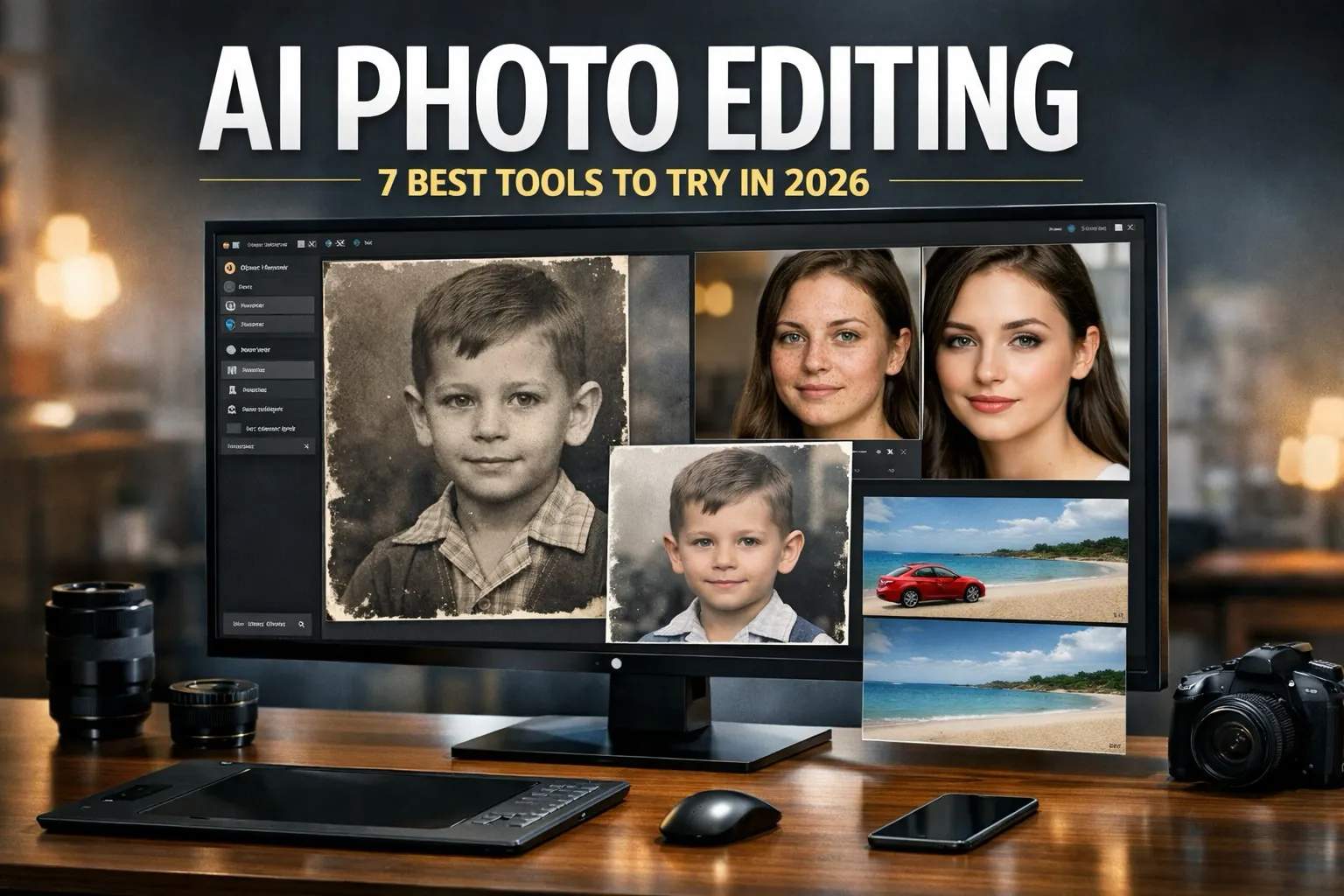
AI photo editing is no longer a flashy extra tucked inside a photo app. In 2026, it is part of the way many people edit images every day. You might use it to remove someone from the background, clean up a product photo, recover detail in a soft image, or change part of a scene with a prompt. And that is really the point: the best tools are not all built for the same kind of work. Some are made for control. Others are built for speed. A few are strongest when the image itself needs rescuing.
That is why this topic works best as a listicle. A single ranking only tells part of the story. AI photo editing is more useful when you match the tool to the kind of editing you actually do.
1. Adobe Photoshop is still the best overall
If you want the most complete tool for AI photo editing, Photoshop still sits at the top. Adobe says Generative Fill lets users add, remove, or modify content with text prompts, and its current documentation also notes that users can choose between Adobe Firefly and partner AI models. That matters because Photoshop does more than give you quick AI edits. It also gives you the tools to refine the result afterward with layers, masks, selections, and detailed retouching controls.1
That combination is what keeps Photoshop ahead. The AI can get you most of the way there, and the rest of the app lets you finish the job without feeling boxed in.
2. Adobe Lightroom is still the best for photographers
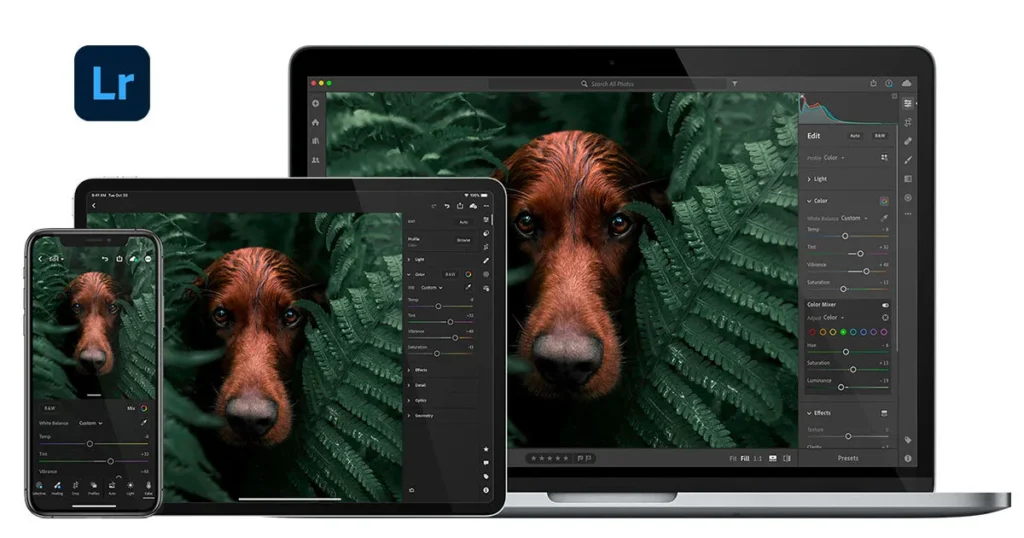
Lightroom continues to make the most sense for photographers because AI photo editing stays inside a photo-first workflow. Adobe’s current Lightroom material says Generative Remove can take out unwanted objects and distractions, even when the background is more complex. At the same time, Lightroom still centers on organizing, editing, and moving through large photo libraries efficiently.1
That is what separates it from Photoshop. Lightroom is less about building layered composites and more about helping photographers move through real image sets without breaking their flow.
3. Luminar Neo is the easiest serious alternative to Adobe
Luminar Neo keeps its spot because it offers strong AI photo editing tools without the weight of a larger Adobe-style workflow. Skylum highlights features like GenErase, GenExpand, and GenSwap, which gives users a mix of object removal, frame extension, and guided visual changes in one place.2
What makes Luminar Neo appealing is how approachable it feels. You can make meaningful edits quickly, but the software still gives you enough room to do more than simple one-click cleanup. For people who want real capability without a steep ramp-up, that balance is hard to ignore.
4. Topaz Photo AI is the best at fixing weak images
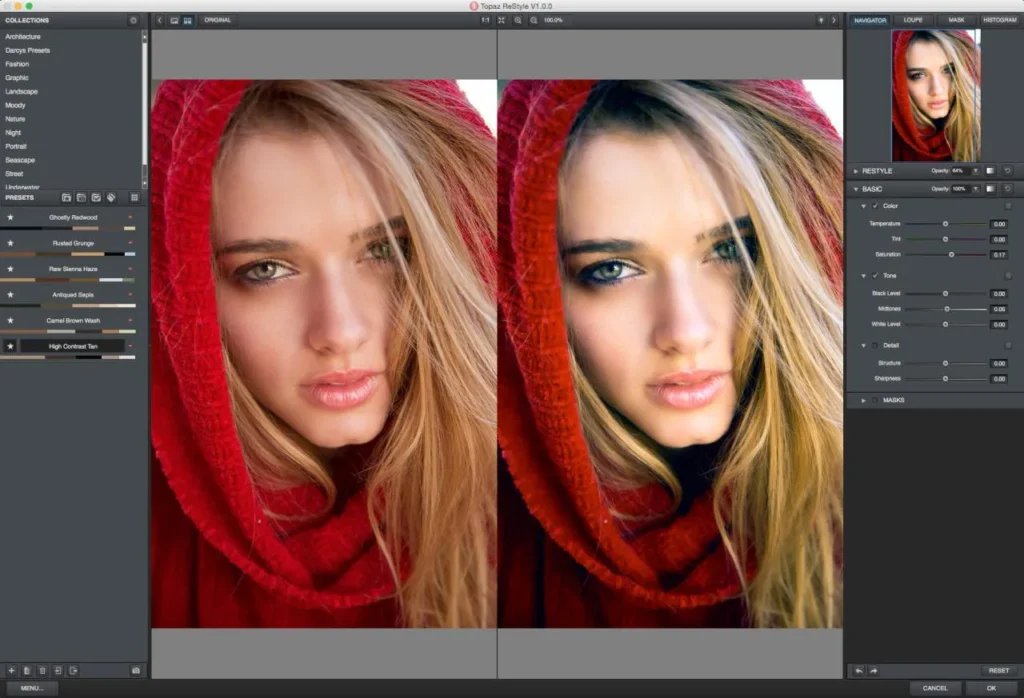
Not every AI photo editing task is about changing the scene. Sometimes the photo is the problem. It is blurry. Noisy. Soft. Maybe the lighting is rough. That is where Topaz Photo AI keeps standing out.
Topaz says the app is built for sharpening, denoise, face recovery, lighting adjustment, color balance, and upscaling.3 So while it is not the widest-ranging editor on this list, it is one of the clearest choices when image quality is the main issue. If your photo needs saving more than reimagining, this is the tool that makes the most sense.
5. Pixelmator Pro is still the best Mac-first option
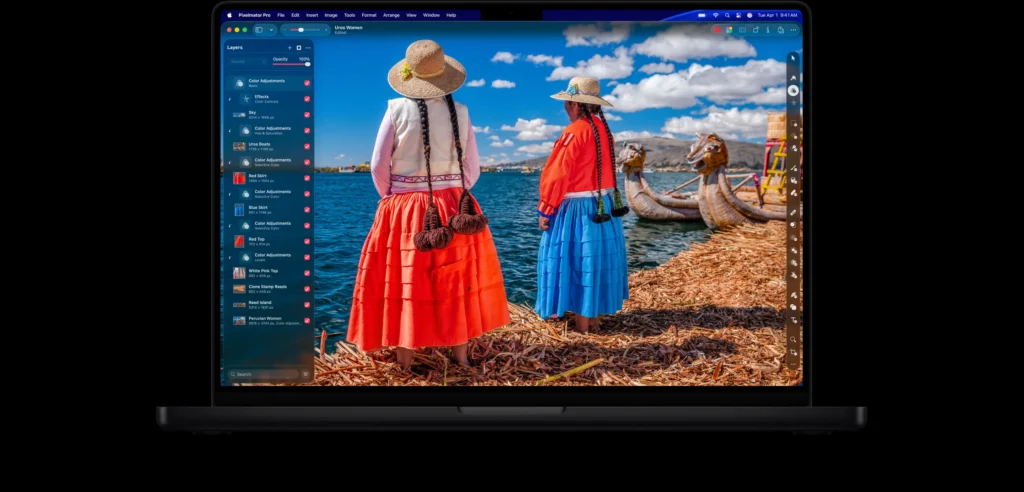
For Mac users, Pixelmator Pro remains one of the most appealing choices in AI photo editing. Apple describes it as a powerful image editor for Mac and iPad with professional tools and AI features, and it is still sold as a one-time purchase for Mac.4
That matters more than it might seem. A lot of people want a polished editing experience that feels at home on a Mac without being pushed into a larger subscription-based system. Pixelmator Pro fits that lane well. It feels clean, capable, and focused.
6. Canva is one of the best tools for fast content work
Canva belongs on this list because a lot of AI photo editing now happens inside broader content workflows. Sometimes the goal is not deep retouching. It is to clean up a photo, drop it into a design, add text, resize it, and move on.
That is where Canva is strongest. It is built for speed and accessibility, and it fits naturally into the kind of visual work people already do for social posts, blogs, ads, and presentations.5 It is not trying to be the deepest editor here, and honestly, it does not need to be.
7. Picsart is a strong pick for quick edits with more creative flexibility
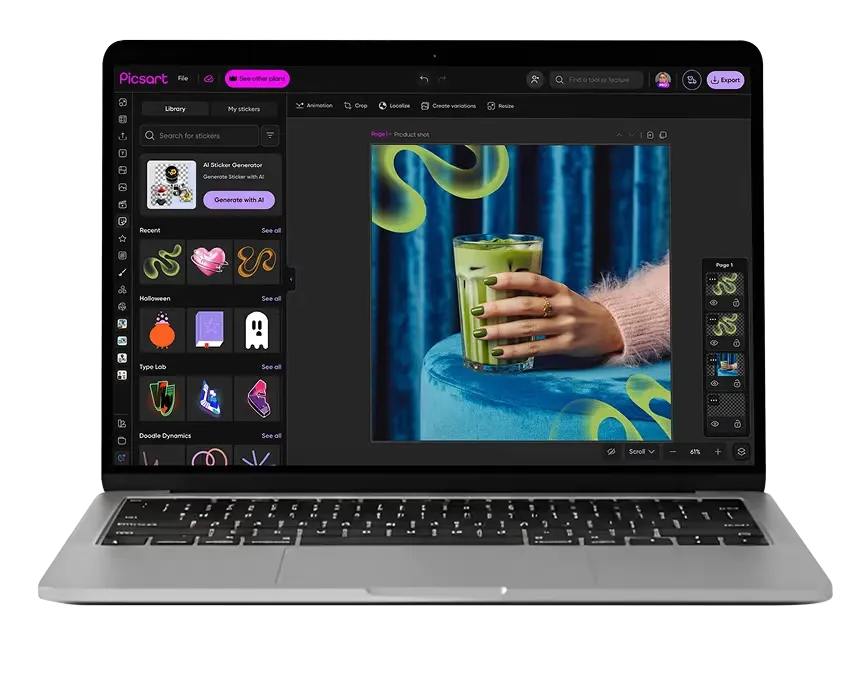
Picsart rounds out the list because it keeps AI photo editing approachable while still offering more photo-focused flexibility than many design-first tools. Its own comparison with Canva says Picsart leans more toward creative control, advanced photo editing, and AI-powered workflows, while Canva leans more toward ready-made layouts and business templates.5
That distinction matters. Canva often feels like the faster fit for structured content work. Picsart feels more open-ended. If you want faster edits without being pulled into a template-heavy system, Picsart is a solid option.
Final take on AI photo editing in 2026
The main takeaway still holds: there is no single best tool for everyone. Photoshop remains the most complete option. Lightroom is still the better fit for photographers. Luminar Neo is a strong easier alternative. Topaz Photo AI is the repair specialist. Pixelmator Pro remains the best Mac-first choice. Canva and Picsart both make sense when speed matters, though they serve slightly different kinds of work.
That is the better way to think about AI photo editing in 2026. Do not start with the longest feature list. Start with the kind of editing you actually do. Once you do that, the right choice usually gets a lot easier to spot.
Citations
- Adobe. “Photo and Image Editing Software for Photographers.” Adobe, n.d.
- Skylum. “AI Image Extender: Expand Photo Background with Luminar Neo.” Skylum, n.d.
- Topaz Labs. “Topaz Photo – Sharpen, Denoise, Unblur & Enhance Images & Photos.” Topaz Labs, n.d.
- Apple. “Pixelmator Pro.” Apple, n.d.
- Picsart. “Picsart vs Canva: Which Creative Platform Is Right for You?” Picsart, n.d.