Key Takeaways
- Plain English Instructions: You can create software tools just by typing what you need them to do.
- Uses Google’s Latest Tech: The system runs on Gemini 3, a computer program that understands context and intent.
- Connects Your Apps: It links Gmail, Drive, Docs, and other software to work together automatically.
- Reduces Busy Work: We can hand off repetitive chores like filing, scheduling, and data entry to these digital helpers.
Google Workspace Studio is a new platform that lets anyone create custom “digital assistants” to handle repetitive computer tasks. These assistants, called agents, live inside Google apps like Gmail and Drive. You do not need to know how to write computer code to build them. Instead, you simply type instructions in plain English, and the system builds a tool to perform duties like organizing files, summarizing emails, or tracking project updates for you.¹
What Exactly Is Google Workspace Studio?
We all have parts of our jobs that feel repetitive. This might include moving data from an email into a spreadsheet, checking calendars to find a meeting time, or searching through folders to find a specific document. Workspace Studio was created to handle these types of chores.
It allows us to build agents. Think of an agent as a dedicated digital intern. You give this intern a specific job, and it does that job in the background while you focus on more important work. The difference is that these agents never get tired, and they work instantly.
Because this tool is built for everyone, not just IT experts, it relies on simple conversation. If you can write an email explaining a task, you can build an agent to do it.
How Do These Digital Assistants Work?
The technology behind Workspace Studio is called Gemini 3. While that sounds technical, its function is straightforward. It is a computer system designed to read, understand, and write text much like a human does.
The “Brain” of the Operation
Most older computer programs follow strict rules. If you make a spelling mistake or change the format of a date, the program might fail.
- The agents in Workspace Studio are different. Because they use Gemini 3, they understand context.
- If you ask an agent to “find the urgent emails,” it reads the content of your emails to decide what sounds urgent.
- It does not just look for the word “urgent” in the subject line.
- It looks for cues like deadlines, requests from a boss, or angry language.²
Connecting Your Daily Tools
These agents live where we work. They sit inside the side panel of your Google apps. This means an agent can read an email in Gmail, find a related file in Google Drive, and then update a tracker in Google Sheets.
They can also talk to software outside of Google. If your company uses other common business tools like Salesforce (for sales tracking) or Jira (for project tracking), the agents can reach into those systems too. This connectivity ensures that data flows smoothly between your communication channels and your project management tools.³
Building Your Own Agent: No Experience Required
The biggest barrier to using new technology is often the learning curve. Google Workspace Studio removes this barrier by using “natural language.” This means you speak to the software just as you would speak to a colleague.
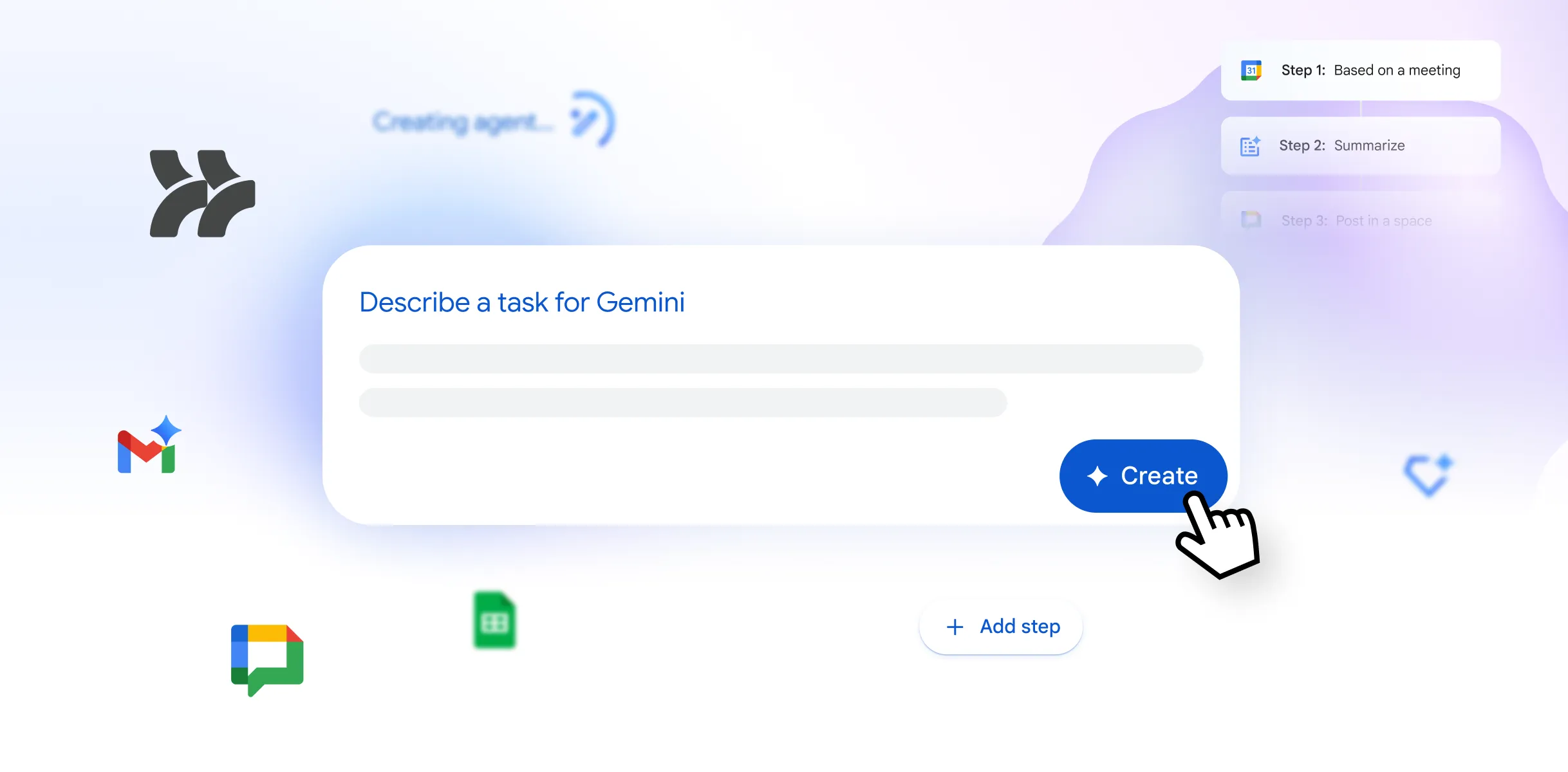
Step 1: Describe the Job
To create an agent, you open the Studio and type a description.
Example: “I want an agent that checks my inbox every morning for invoices. It should save the PDF to a Drive folder called ‘Expenses’ and add the amount to my budget spreadsheet.”
Step 2: The System Builds It
Once you hit enter, the software figures out the steps needed to do that job. It identifies that it needs access to your email, your folders, and your spreadsheets. It sets up the connections automatically.
Step 3: Review and Run
You can look over the plan the system created. If it looks correct, you turn it on. Now, every time an invoice comes in, the agent handles it without you lifting a finger.⁴
Practical Ways We Can Use This
It can be hard to visualize how to use AI until we see concrete examples. Here are a few ways Workspace Studio can help in a standard office setting.
Speeding Up Project Planning
Starting a new project often involves a lot of setup. You have to read briefs, create documents, and set up meetings.
- Without AI: You spend three hours reading emails, copying text into a document, and checking calendars.
- With AI: You ask an agent to “Read the project brief emails and create a project plan document.” The agent reads the thread, drafts a plan in Google Docs, and even suggests a timeline.
Early tests with companies like Kärcher showed that teams could finish these planning tasks much faster, sometimes reducing the work from hours to minutes. This allows people to spend their energy on solving problems rather than typing up notes.
Simplifying Customer Service
If you work in a role where you receive many requests, it is easy to get overwhelmed.
- An agent can read incoming requests and categorize them.
- It can draft a polite reply based on your company’s policies.
- You simply review the draft and hit send.
Keeping Control and Staying Safe
A common worry is that computer programs might make mistakes or share private information. Google designed Workspace Studio with strict safety rules.
- You Are the Boss: The agent does not send emails or delete files unless you give it permission.
- Clear Visibility: You can always see what the agent is doing in the side panel of your screen.
- Data Privacy: The system follows the same privacy rules as your company email. It does not share your internal data with the public.⁵
This approach ensures that we get the benefit of speed without losing control over our work.
Citations
- Google. “Introducing Google Workspace Studio to automate everyday work with AI agents.” Google Workspace Blog, 4 Dec. 2025.
- Google. “Automate Workflows with Agentic AI Powered by Gemini.” Google Workspace Studio, Google.
- Riley, Duncan. “Google launches Workspace Studio to let users build AI agents for everyday work.” SiliconANGLE, 3 Dec. 2025.
- Karmali, Farhaz. “Google Workspace Studio Agents: A Simple Guide.” Google Cloud Blog, 4 Dec. 2025.
- Google. “Get started with Google Workspace Studio.” Google Workspace Help, Google.