Key Takeaways
- Ask Maps is a new Google Maps feature powered by Gemini that lets us ask full questions about places, routes, and plans instead of relying on short search phrases. Google says it is rolling out in the U.S. and India on Android and iOS, with desktop coming soon.
- Google says Ask Maps can personalize some answers using signals such as Maps history, saved lists or labels, reviews, photos, and related Search history when Web & App Activity is turned on.
- Immersive Navigation is Google Maps’ biggest driving update in more than a decade and adds clearer route visuals, alternate-route tradeoffs, disruption alerts, and more useful guidance near the end of a trip.
- The larger shift is straightforward: Google wants Maps to help with the messy part of trip planning, not just the final turn-by-turn directions.
Why Ask Maps is Different From the Google Maps We Already Know
Most of us use Google Maps the same way. We type in a place, check the hours, skim a few reviews, and start directions. That works when we already know exactly where we are headed. It is less helpful when the plan is still fuzzy.
That is where Ask Maps comes in.
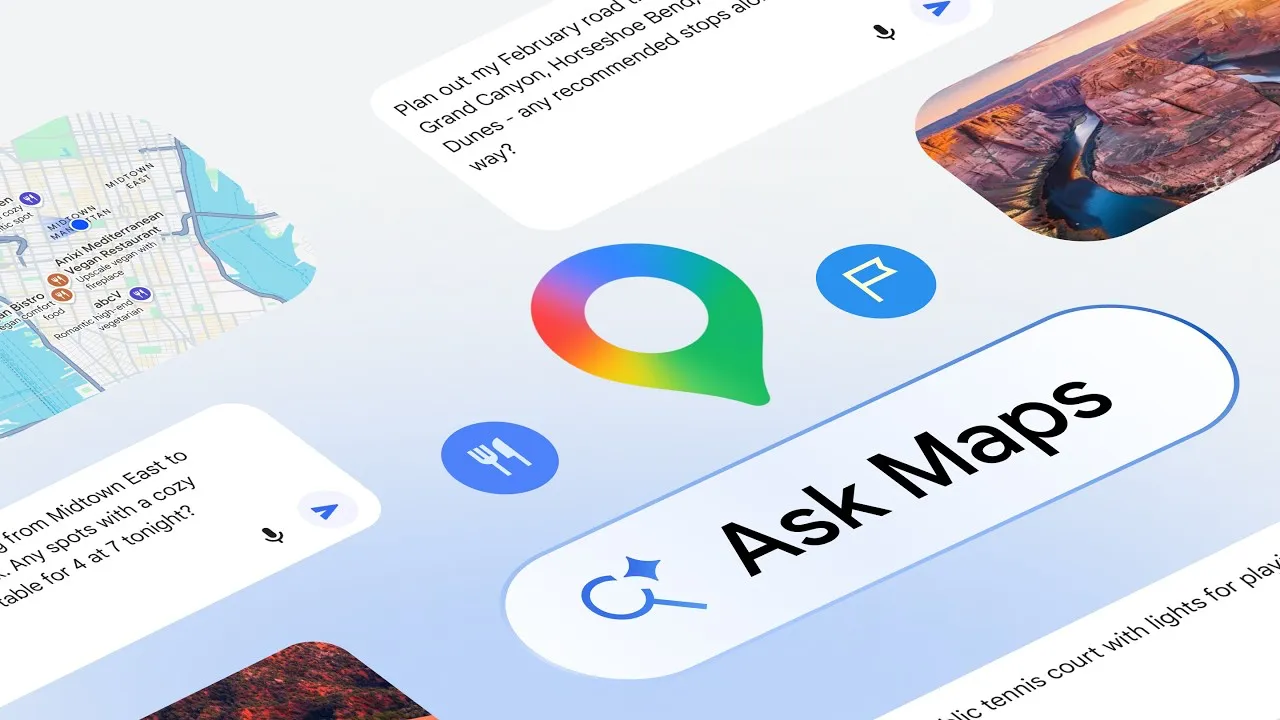
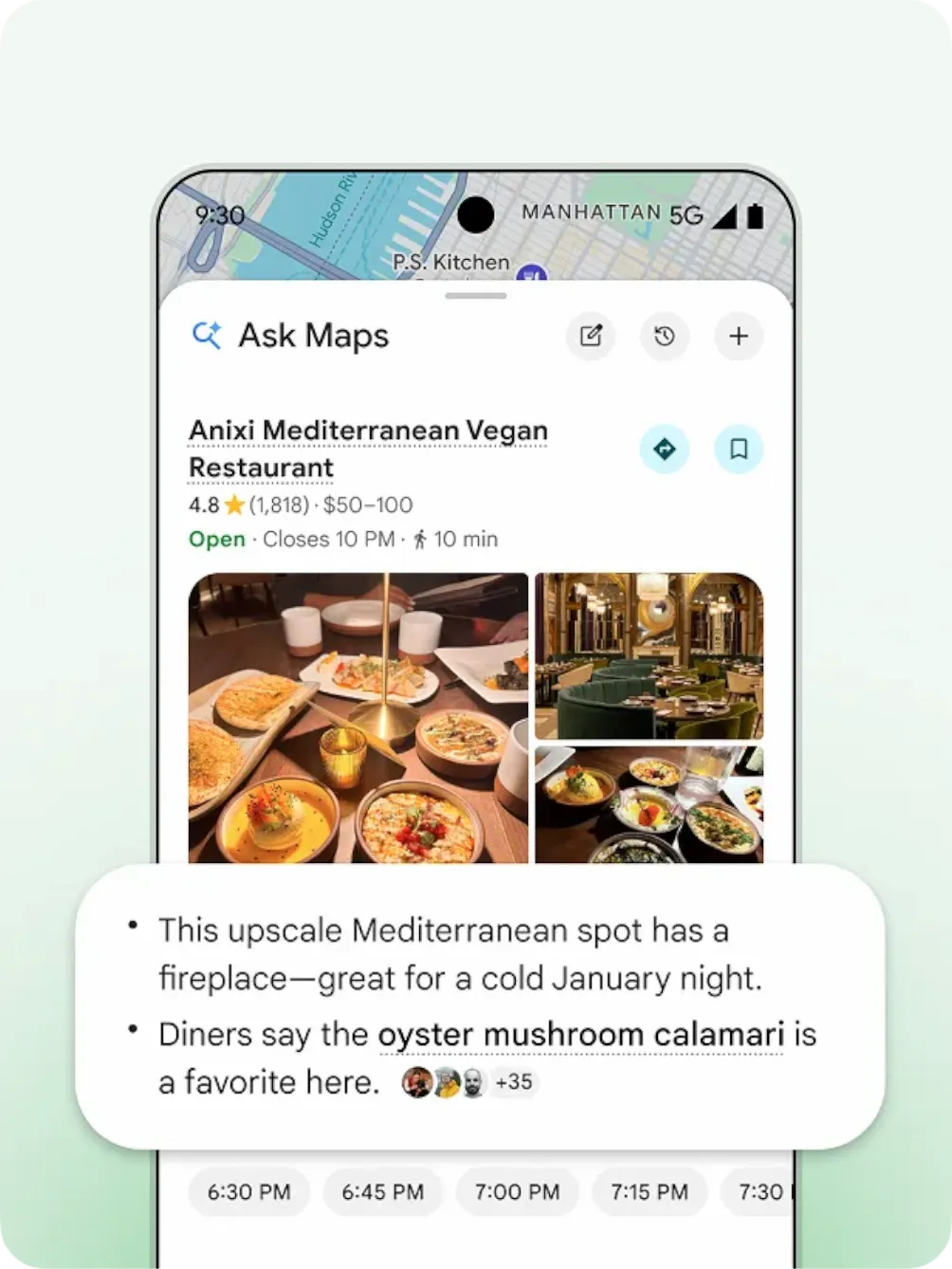
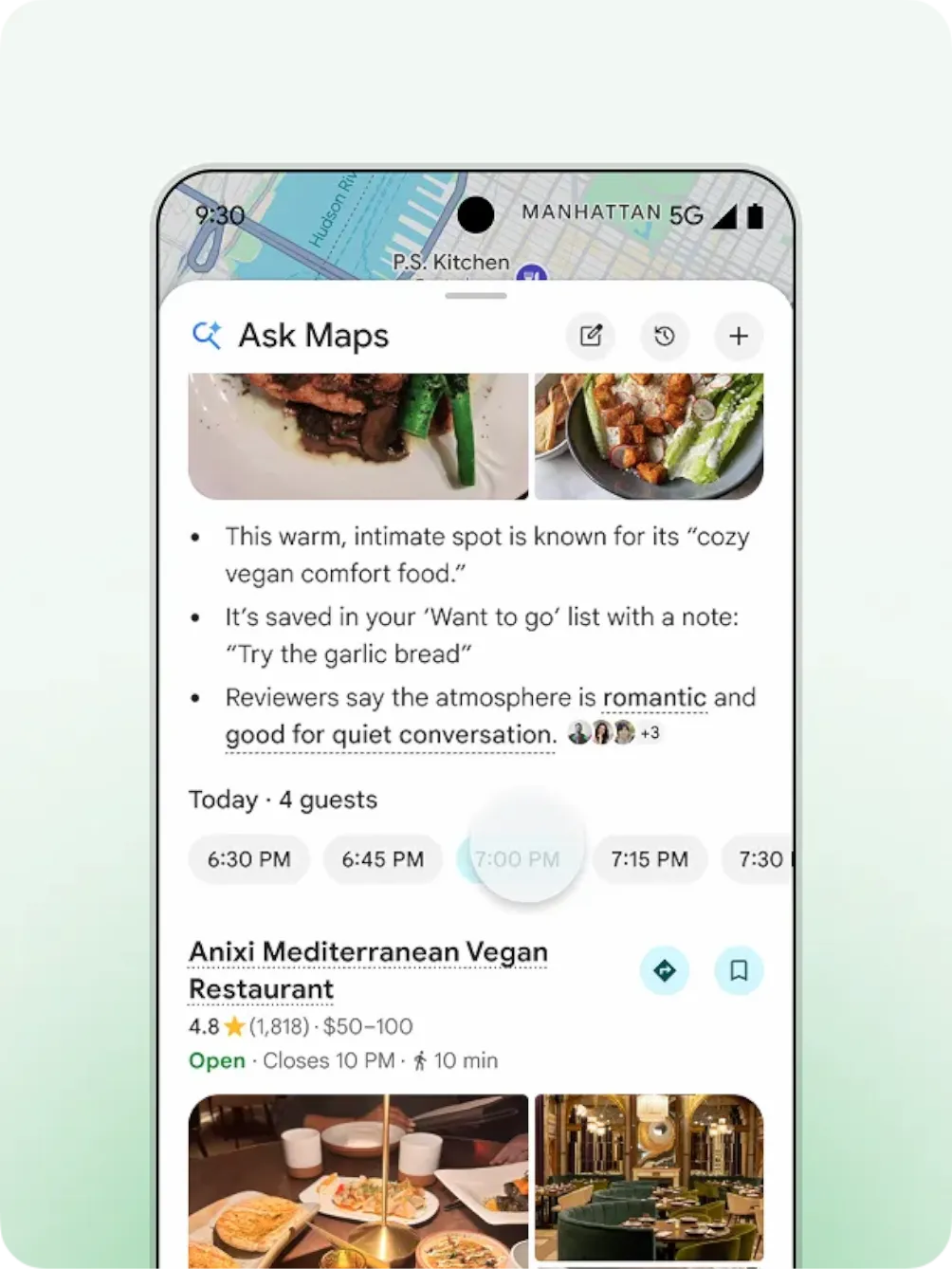
Google describes it as a new conversational experience inside Maps, built to answer complex, real-world questions. The examples are telling. We might ask where to charge a phone without getting stuck behind a long coffee line, or where to find a public tennis court with lights still on that evening. Instead of forcing us to search in pieces, Ask Maps is meant to handle the whole question at once. Google also says it can return answers in a conversational format and show them on a customized map so the options are easier to compare.1
That shift matters because many trips do not start with one clear destination. Often, we are solving for something else. Maybe we need a dinner spot halfway between two people. Maybe we need a stop that makes sense on a road trip. Maybe we just want a place that fits the timing, traffic, and the reality of the day. According to Google, Ask Maps is designed for those kinds of decisions, then makes it easy to act on the answer by saving places, sharing them, booking restaurant reservations, getting directions, or starting navigation.1
How Ask Maps Uses Gemini and AI to Personalize Results
Part of what sets Ask Maps apart from a standard search box is personalization. Google’s help documentation says some AI-powered responses in Maps may use signals such as Maps history, saved lists or labels added to places, reviews, photos, and related Search history when Web & App Activity is turned on. Google also says the questions we type into Google Maps are not used to train its AI models, though the company may analyze those questions to improve products and services.2
That matters for a couple of reasons.
First, it helps explain why Ask Maps may feel more useful than a plain list of results. If Maps already has some sense of where we go, what we save, and the kinds of places we tend to interact with, the answers can feel more in step with how we actually move through the world.
Second, it puts more weight on settings. This is not just about Gemini and AI in the abstract. It is also about the account choices behind the experience. The better the personalization, the more relevant the settings become.5
Why Ask Maps Fits Into Google’s Bigger Maps Strategy
Ask Maps also makes more sense when we look at the direction Google Maps has already been heading. In 2023, Google introduced Immersive View for routes, which was designed to let people preview a trip before leaving. Google said that feature could show details such as sidewalks, bike lanes, intersections, parking, weather, air quality, and likely traffic at different times of day.3
That update hinted at a broader shift. Google was already trying to move Maps beyond the old pattern where we search for a place and only start thinking seriously about the trip once directions begin.
Ask Maps takes that idea a step further. Rather than sending us through a chain of searches, reviews, saved places, and route choices, Google is trying to let us begin with a full question and get something useful back in one place. It does not feel like a small extra tucked into the app. It feels more like a new starting point for trip planning, where the planning phase and the navigation phase are more closely connected. 3
What Immersive Navigation Adds Once We Start Driving
Google is pairing Ask Maps with Immersive Navigation, which it describes as the biggest navigation upgrade in more than a decade. According to the company, the system adds redesigned visuals and more intuitive guidance to make driving easier to follow. Google says it can show road details such as lanes, crosswalks, traffic signs, medians, and road markings. It can also show alternate-route tradeoffs, such as less traffic versus tolls, and surface disruptions like crashes or construction. Near the end of a trip, Google says Maps can display Street View, parking availability, and building entrance details to make arrival less frustrating.
On paper, those may sound like small touches. In real life, they are often the parts that make the biggest difference.
Many navigation apps are good at getting us close. They are less helpful when we are trying to find the right entrance, understand an awkward intersection, or avoid circling the block because the route guidance ended a little too early. This update seems aimed squarely at that problem.1
The Data Behind the Experience
Google says Maps processes more than 5 million traffic updates every second and receives more than 10 million driver contributions each day. In a separate post about Immersive View for routes, Google also explained that the route-preview system relies on billions of high-resolution images from Street View, aerial imagery, and mapping techniques that align those images with Google Maps data.4
That background will not matter to everyone, but it does help explain what Google is building toward. These updates are not just about making Maps look nicer. They are about making the app easier to read, faster to understand, and more useful in the moment.
What This Means for People Who Just Want Maps to Be Easier
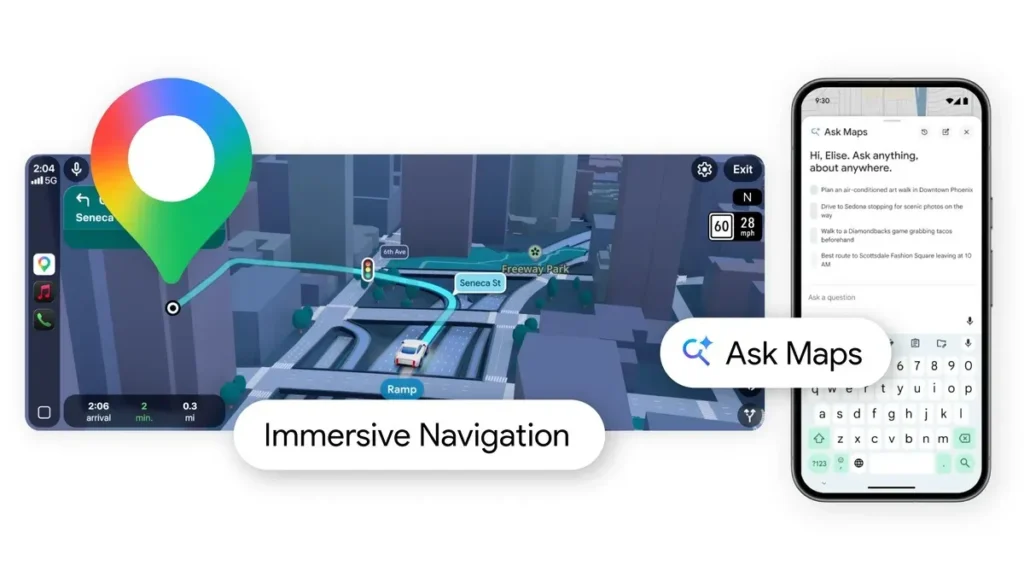
For most users, the value here is simple. Ask Maps could reduce the friction that piles up before a trip even starts. Instead of bouncing between search results, reviews, saved places, and route options, we may be able to ask one broader question and get something more usable back right away.
The same goes for Immersive Navigation. Better road cues, clearer route comparisons, and stronger arrival details are not there just to look impressive. They are there to make normal trips easier to manage.
That is what makes this update stand out. Google is not only trying to improve directions. It is trying to improve the thought process around a trip, from the early planning stage to the moment we pull into a parking lot. If the rollout works the way Google says it will, Ask Maps with Gemini could become one of those features people use without thinking much about the tech behind it. They will just notice that planning feels less scattered and getting there feels a little easier.1
The Bottom Line on Ask Maps With Gemini
The main takeaway is not simply that Google Maps now includes more AI. It is that Google wants Maps to be more useful during the moments when plans are still taking shape.
Ask Maps is built for questions that do not fit neatly into a search bar. Immersive Navigation is built for the parts of driving that still feel confusing even when directions are already on screen. Put together, they point to where Google wants Maps to go next: less like a tool we check after making a plan, and more like a place where the plan starts to come together.
Citations
- Daniel, Miriam. “How We’re Reimagining Maps with Gemini.” The Keyword, 12 Mar. 2026.
- “How AI-Powered Features Use Your Data in Google Maps.” Google Maps Help, Google, n.d.
- Daniel, Miriam. “I/O 2023: Google Maps Updates Immersive View and Launches New Tools for Developers.” The Keyword, 10 May 2023.
- Filip, Daniel. “How Google Maps Created Immersive View for Routes.” The Keyword, 2 Nov. 2023.
- “Activity Controls.” Google Account, Google, n.d.