Direct Answer
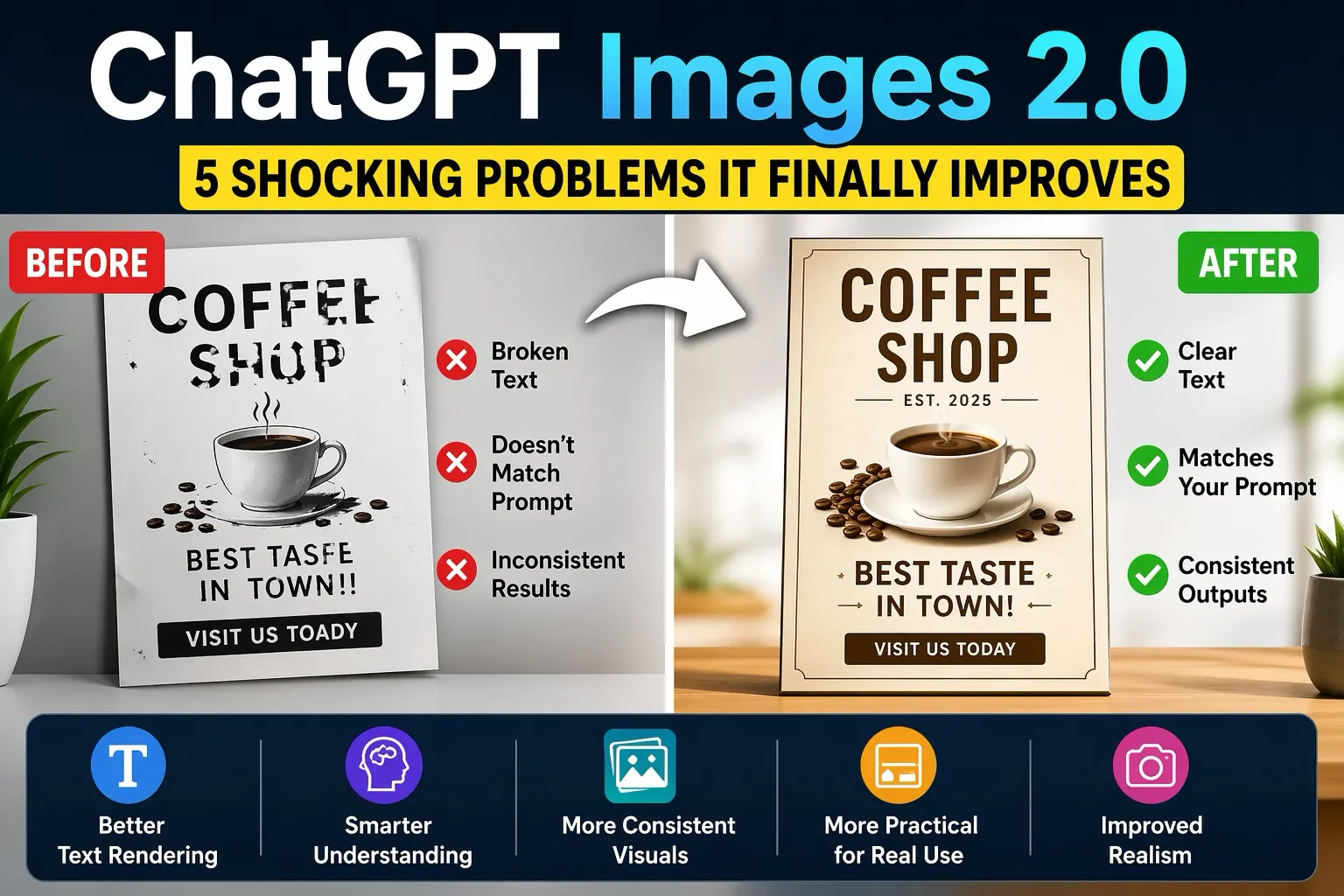
ChatGPT Images 2.0 significantly improves some of the most common problems with AI image generation, including unclear text, inconsistent visuals, and outputs that don’t match user intent. By adding stronger reasoning and more structured image creation, Images 2.0 makes AI-generated visuals more reliable and practical for everyday use—while still not being perfect in every case.¹
What Is ChatGPT Images 2.0?
ChatGPT Images 2.0 is OpenAI’s latest update to its image-generation capabilities, designed to move beyond simple prompt-to-image tools.
According to OpenAI, the goal is to produce visuals that are more accurate, structured, and usable—not just visually impressive.¹
That distinction matters. Earlier tools often produced interesting results, but consistency and usability were hit or miss. This version aims to close that gap.
The 5 Shocking Problems Images 2.0 Finally Improves
1. Text That Looked Broken or Unreadable
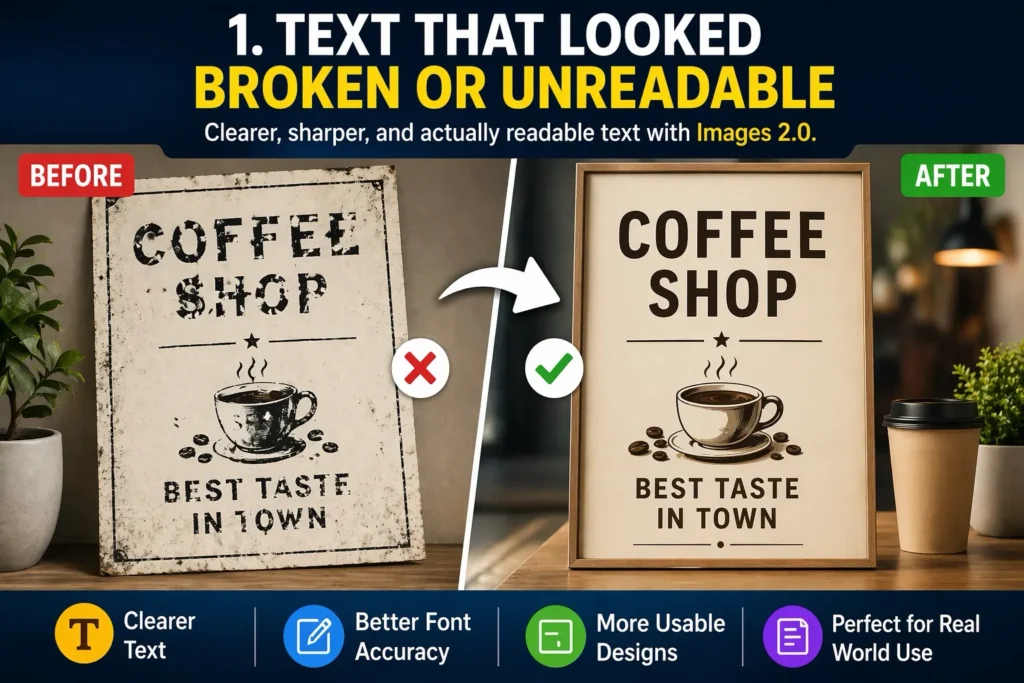
One of the most noticeable improvements in ChatGPT Images 2.0 is text rendering.
In earlier tools, text inside images often appeared distorted or unreadable. With Images 2.0, text is clearer and far more usable in many cases, especially for structured formats like menus, labels, or simple graphics.²
It’s not flawless across every scenario, but the improvement is clear.
2. Prompts That Didn’t Match the Output
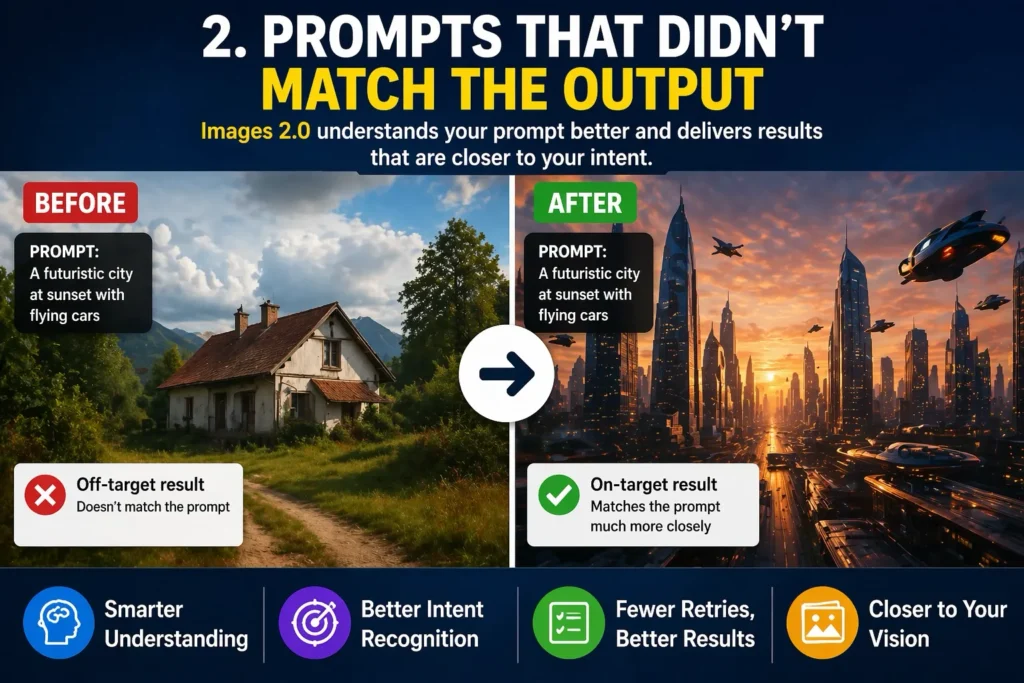
A common frustration with AI image tools has been the gap between what you ask for and what you get.
ChatGPT Images 2.0 introduces a more deliberate approach. Instead of generating instantly, the system processes and interprets the request before producing an image.²
This added reasoning step helps outputs align more closely with user intent and reduces the need for repeated retries.
3. Inconsistent Results Across Multiple Images
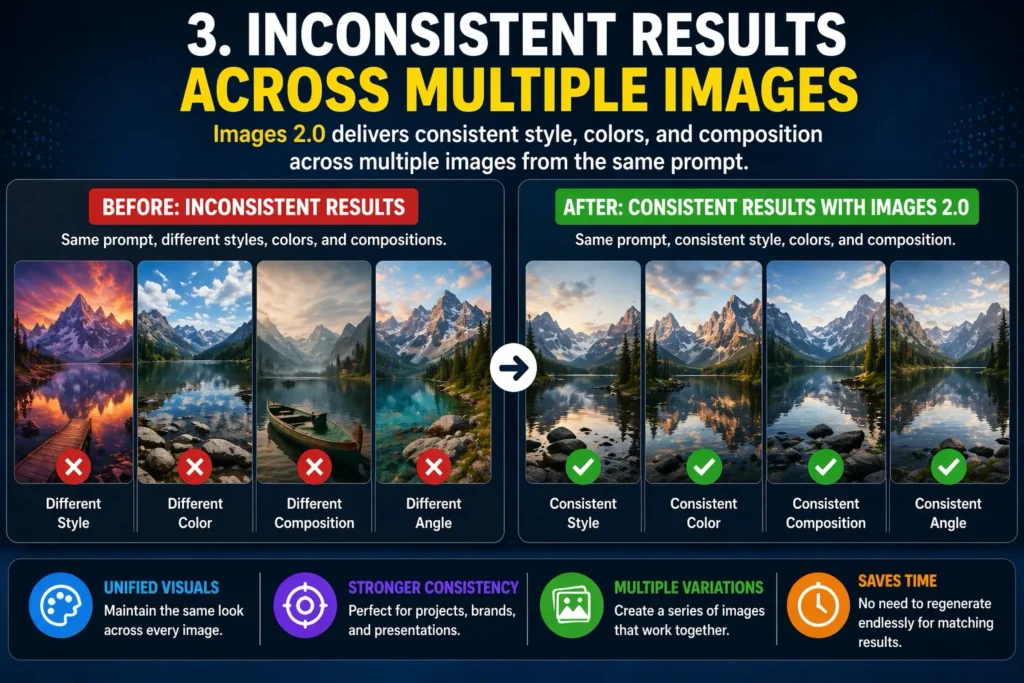
Generating multiple images from the same prompt used to produce widely different results. That made it difficult to use AI for anything requiring visual consistency.
With ChatGPT Images 2.0, outputs are more consistent in style, composition, and tone when generated from a single idea.³
This makes it easier to create sets of images for presentations, content, or early-stage design work.
4. Outputs That Weren’t Practical to Use
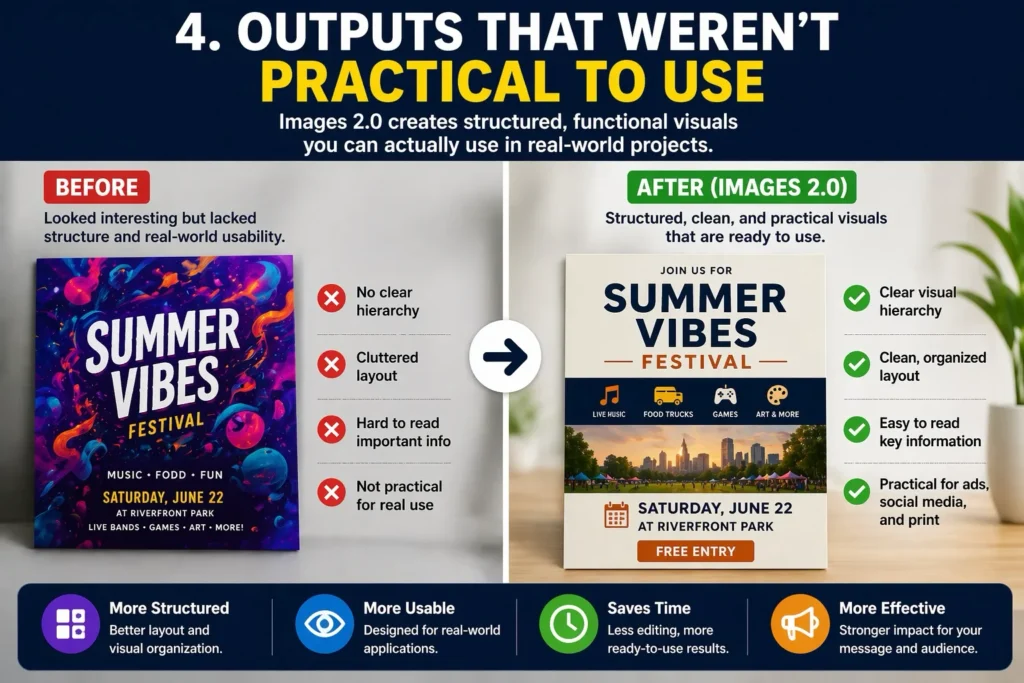
Earlier AI-generated images often looked interesting but lacked real-world usability.
ChatGPT Images 2.0 shifts toward more structured outputs. Layouts are more intentional, spacing is more logical, and results are better suited for practical use cases like:
- Social media visuals
- Basic marketing materials
- Presentation mockups²
It doesn’t replace professional design tools, but it supports early-stage creative work more effectively than before.
5. Images That Didn’t Look Real Enough
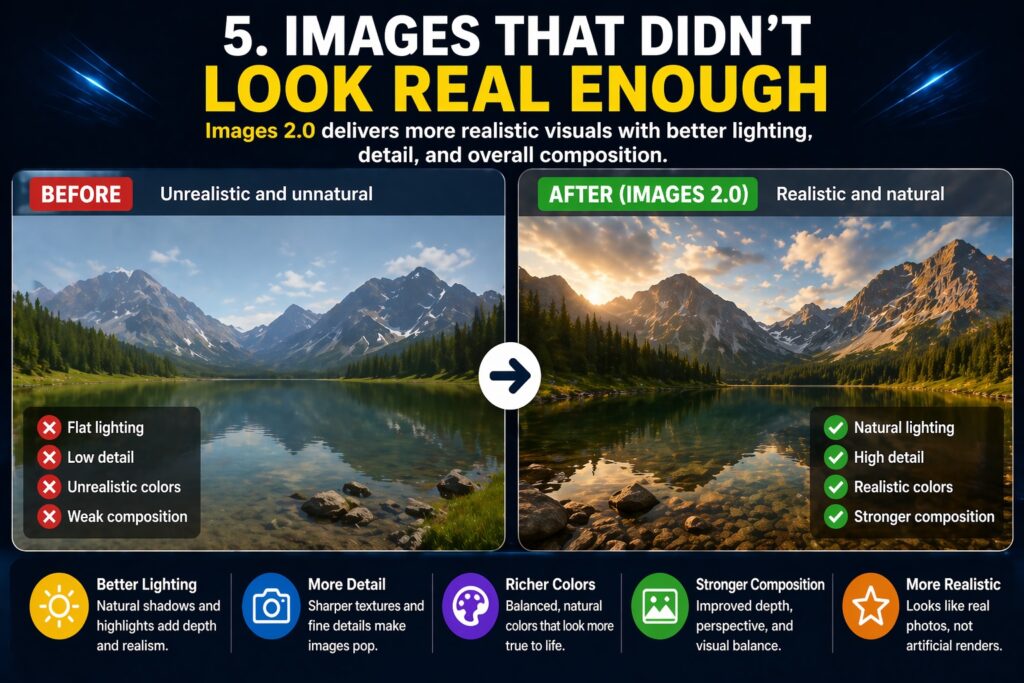
Visual realism has also improved in ChatGPT Images 2.0, with better lighting, detail, and overall composition.
According to reporting from Business Insider, more realistic outputs are one reason AI-generated images are becoming harder to distinguish from real ones.⁴
That progress is notable, though it also raises ongoing questions around authenticity and misuse.
What’s Actually Changed Under the Hood
The biggest shift with ChatGPT Images 2.0 isn’t just visual quality—it’s reliability.
By combining improved reasoning with better structure, the system produces results that are:
- More predictable
- More aligned with prompts
- More usable without extensive editing
According to The Verge, these updates reflect a broader move toward making AI tools more practical for everyday workflows.²
Why Images 2.0 Matters Right Now
AI image generation has advanced quickly, but usability has often lagged behind.
ChatGPT Images 2.0 begins to close that gap.
Instead of relying heavily on trial and error, users can generate visuals that are closer to what they actually need, with fewer iterations. That makes the tool more accessible for both casual users and professionals.
At the same time, it’s important to keep expectations grounded. Results can still vary depending on complexity, and not every output will meet expectations on the first attempt.
Final Take
ChatGPT Images 2.0 doesn’t completely solve every issue with AI image generation, but it significantly improves the areas that mattered most.
Text is clearer. Outputs are more consistent. Prompts are better understood.
And most importantly, the results are becoming more usable in real-world scenarios.
That’s what makes this update stand out. Not just better images—but a more dependable experience overall.
Citations
- OpenAI. “Introducing ChatGPT Images 2.0.” OpenAI, 2026.
- Vincent, James. “OpenAI Upgrades ChatGPT Image Generation with Smarter Tools.” The Verge, 2026.
- Data Science News. “Introducing ChatGPT Images 2.0 and Its New Capabilities.” LetsDataScience, 2026.
- Business Insider Staff. “AI Image Generators Are Getting Too Real to Detect.” Business Insider, 2026.